
What Makes a Website Look Professional?
By Tommy · 16 October 2026
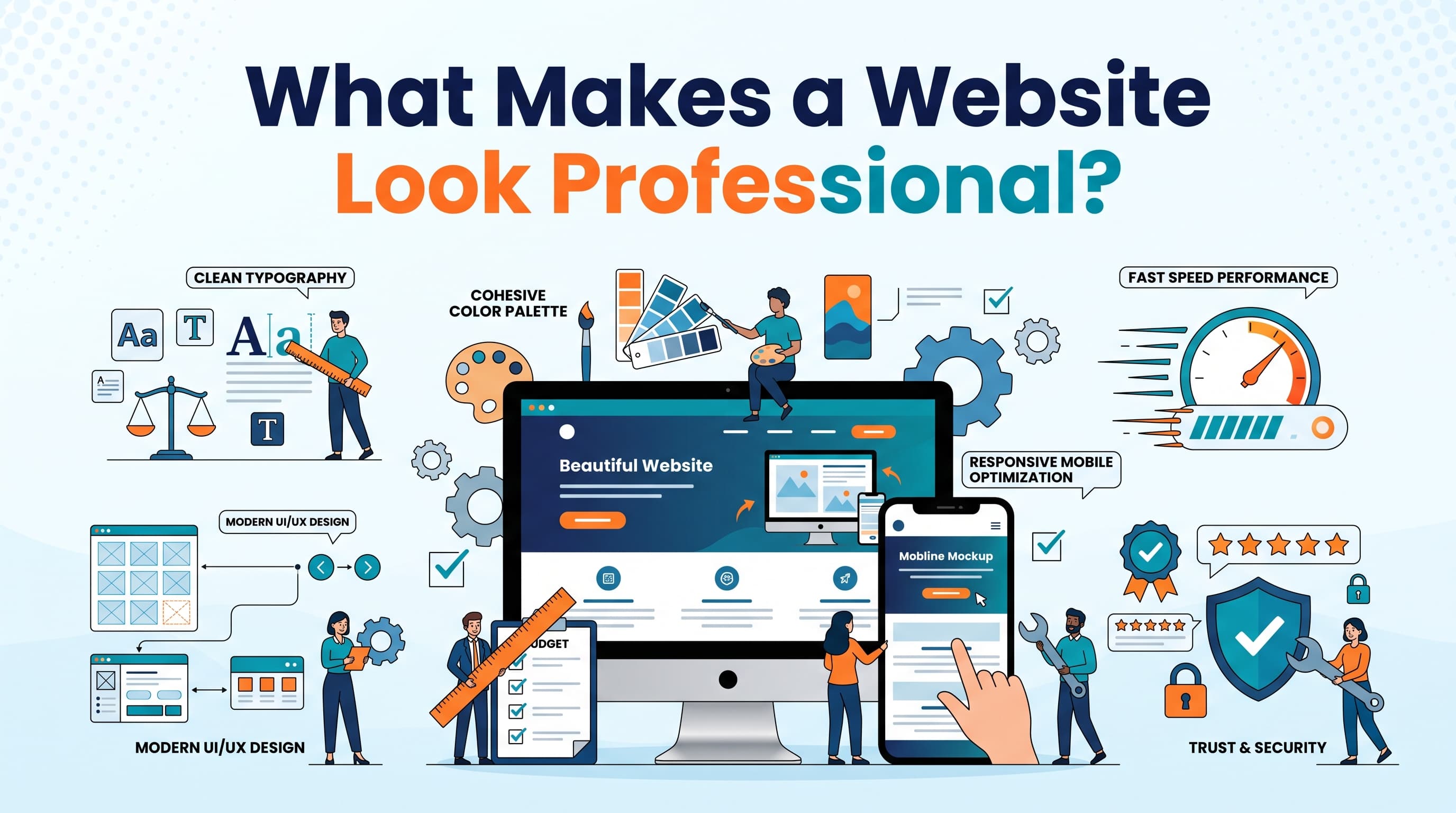
Your website says a lot about your business before a potential customer has even spoken to you.
A well designed website can make your business look trustworthy, established and capable. A poorly designed one can have the opposite effect, even if you provide an excellent service.
But what actually makes a website look professional?
It isn't necessarily expensive animations, complex layouts or the latest design trends. Often, it's the smaller details that make the biggest difference. Consistent branding, readable text, quality images and a clear layout can completely change how a website feels.
Here are seven things to focus on if you want your business website to look more professional.
1. Use consistent colours and branding
One of the first things people notice about a website is its overall visual identity. If every page uses different colours, fonts and button styles, the website can feel disconnected and poorly thought out.
A professional website uses a consistent visual style throughout. This includes your brand colours, typography, buttons, icons and imagery. Start with a small colour palette. Choose a primary colour, a secondary colour and a few neutral colours for backgrounds and text. Use them consistently rather than introducing new colours whenever you create a section.
Your branding should also match the rest of your business. Your website, logo, social media profiles and other marketing materials should feel like they belong to the same company.
Consistency makes a website feel more considered and helps customers recognise your brand.
2. Get the layout and spacing right
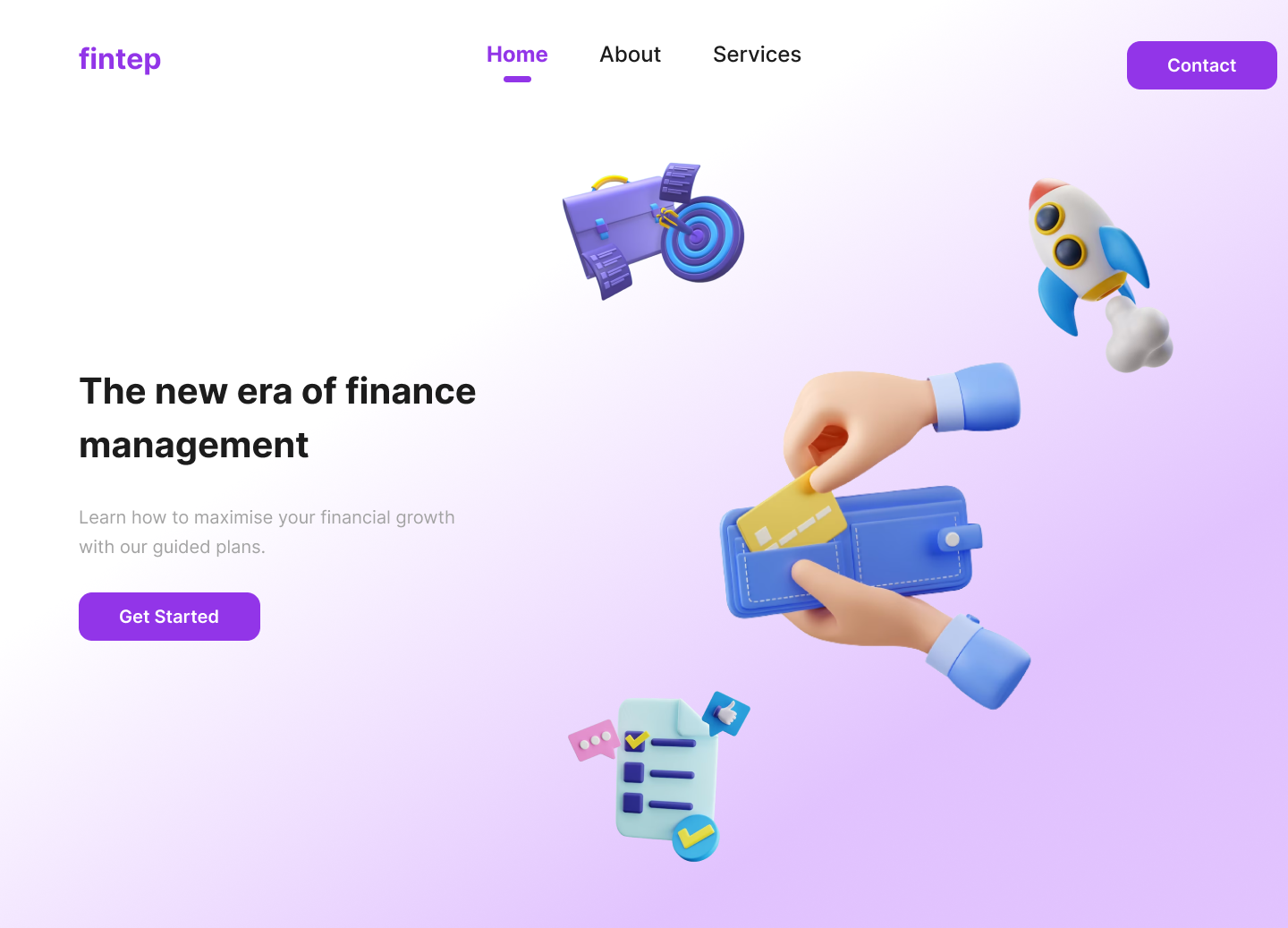
A cluttered website can make even a good business look unprofessional.
When everything competes for attention, visitors struggle to understand what's important. Crowded sections, inconsistent spacing and too many elements on a single screen can make the experience feel overwhelming.
Whitespace, sometimes called negative space, helps solve this problem. It is the empty space around text, images, buttons and other elements. Giving your content room to breathe makes pages easier to scan and helps important elements stand out.
Pay attention to spacing between headings and paragraphs, the distance between sections, and the alignment of text and images. Your layout should also follow a clear visual hierarchy. Important information should stand out first, followed by supporting details and secondary content.
You don't need to fill every part of the screen. A simpler layout often looks more professional than one trying to display everything at once.
3. Choose readable typography
Typography has a bigger impact on a website's appearance than many people realise.
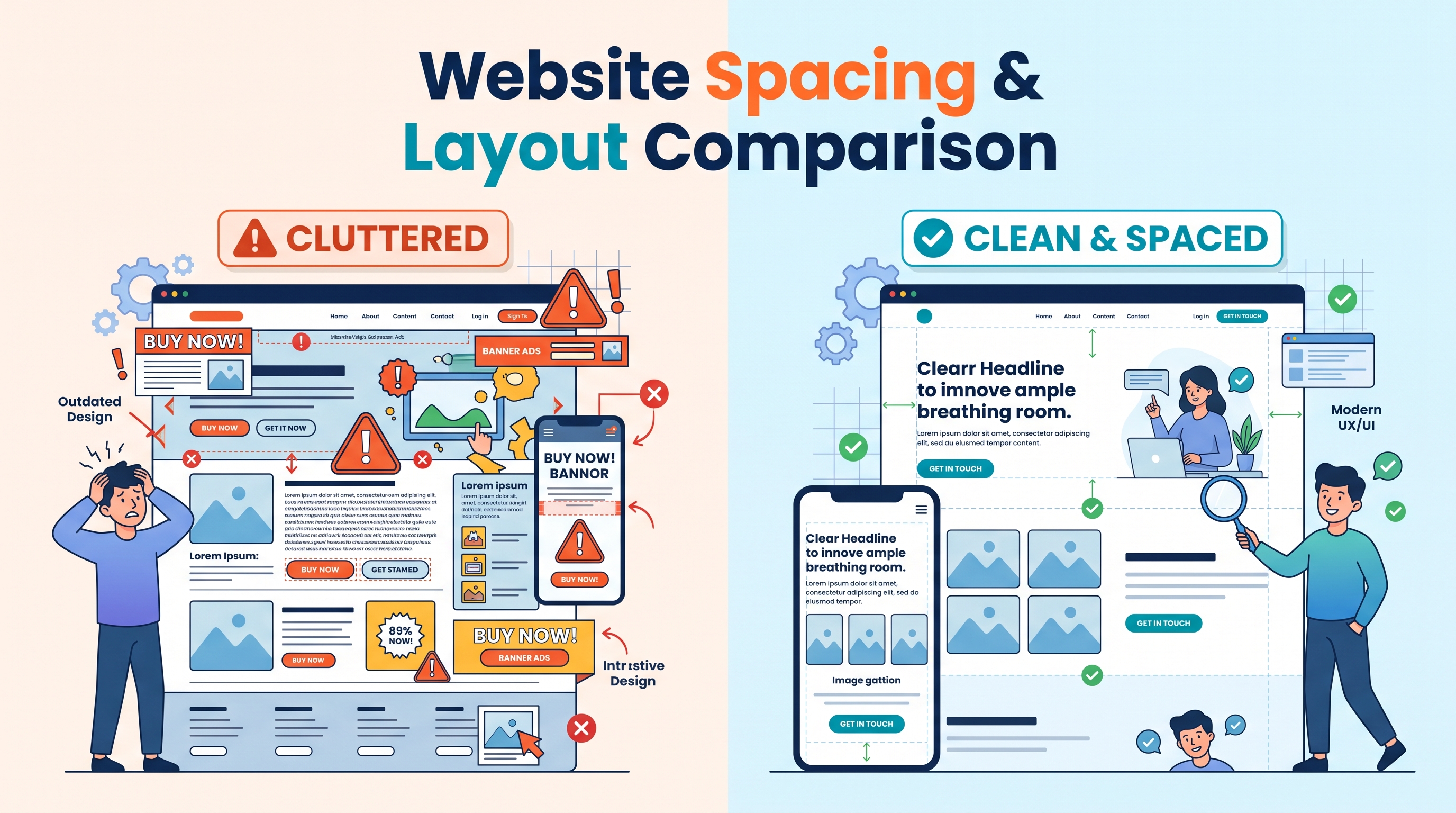
Using too many fonts, inconsistent text sizes or decorative typefaces can make a website difficult to read and visually confusing. For most business websites, one or two font families are enough. Use a clear hierarchy to distinguish headings, subheadings, body text and small supporting labels.
Your main headings should be easy to identify, while body text should be comfortable to read on both desktop and mobile devices. Avoid using large blocks of capital letters or overly stylised fonts for important information. They can make content harder to scan.
It's also important to keep text contrast in mind. Light grey text on a white background might look subtle, but it can be difficult to read.
Good typography should support the content, not distract from it.
4. Use high quality, relevant imagery
Images can make a website feel more polished, but only when they're used well.
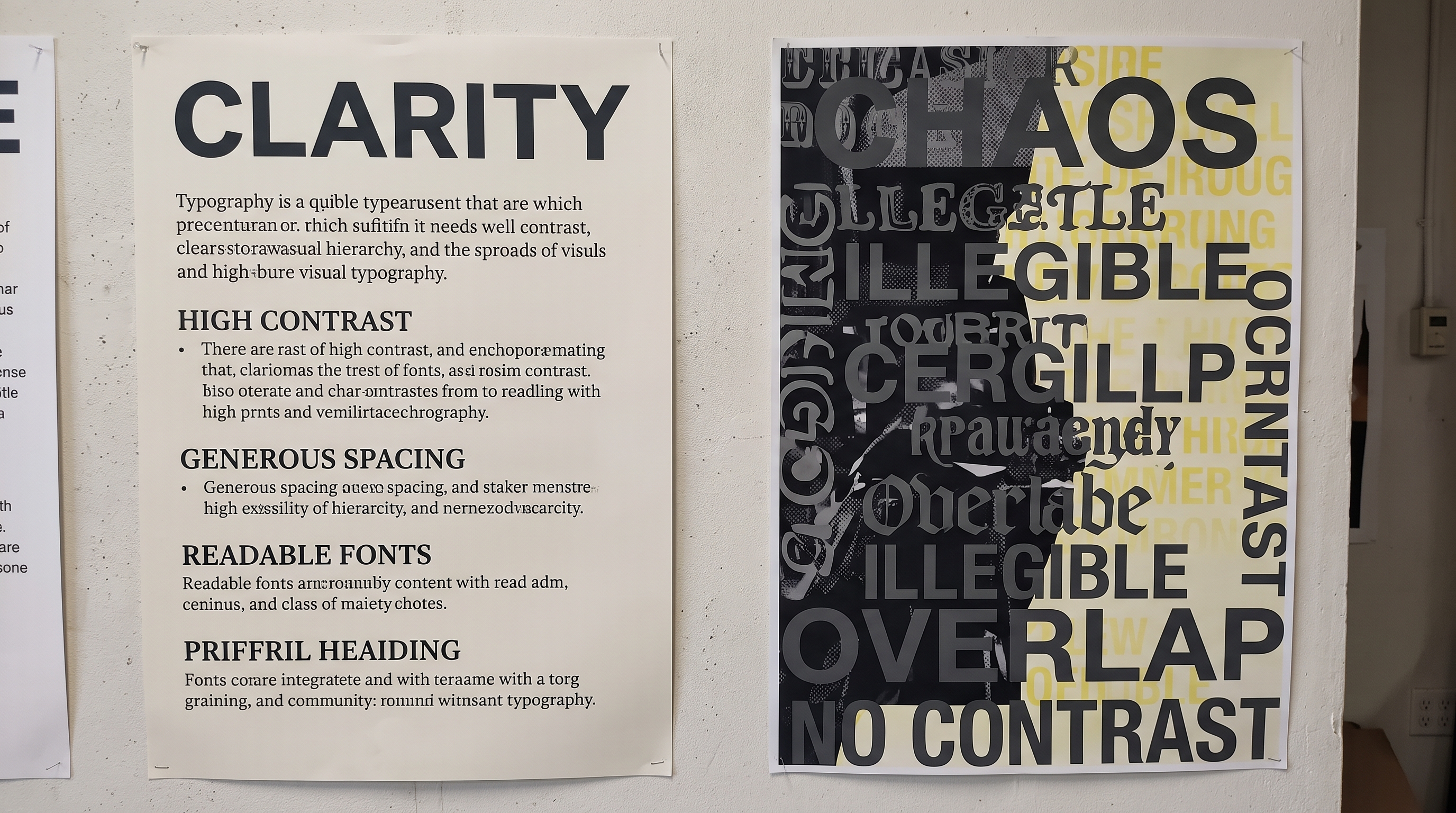
Blurry photographs, stretched images and generic stock photography can undermine an otherwise strong design. Whenever possible, use images that are relevant to your business. This might include photographs of your team, examples of your work, your premises, your products or the services you provide.
For example, a building contractor could use photographs of completed projects rather than relying entirely on generic construction images. A professional services firm could introduce its team through natural, high quality photography. If you use stock photography, choose images that feel authentic and fit your brand.
Make sure images are correctly sized and cropped, and that they display well across different screen sizes. Optimising image file sizes also helps prevent them from slowing down your website.
5. Make navigation simple and intuitive
A professional website should be easy to use.
Visitors shouldn't have to guess where to find your services, how to contact you or what to do next. Keep your navigation straightforward and use clear labels. Terms such as "Services", "About" and "Contact" are generally easier to understand than vague or overly creative alternatives. Your most important pages should be easy to reach, and related information should be grouped logically.
The same principle applies to buttons and links. Make it clear what happens when someone clicks them. For example, a button labelled "Request a Quote" tells visitors exactly what to expect. A vague label such as "Discover More" may be less helpful when the goal is to encourage an enquiry.
A simple, predictable layout gives visitors confidence and makes your business easier to deal with.
6. Make sure it works properly on mobile
A website might look excellent on a large monitor but feel completely different on a phone.
Text can become too small, images can overflow their containers, buttons can be difficult to tap and navigation can become frustrating. A professional website needs to work well on all the screen sizes your customers use.
Check that headings wrap naturally, paragraphs remain readable, images scale correctly and buttons have enough space around them. Forms should also be straightforward to complete on a smaller screen. Don't just rely on a responsive preview in your website builder. Test the actual site on a phone and try completing the tasks a customer would normally perform.
If your current website looks dated or is difficult to use on mobile, a website redesign can be an opportunity to improve both its appearance and usability.

7. Pay attention to the finishing touches
The difference between an average website and a polished one often comes down to details.
Broken links, inconsistent button styles, awkward spacing, spelling mistakes and poorly aligned elements can make a website feel unfinished. Before launching, check every important page and look for these issues.
Make sure buttons behave as expected, forms submit correctly, contact details are accurate and images display properly. Check your headings, page titles and written content for errors. Your website should also load reliably and provide a smooth experience. Excessive animations, intrusive pop ups and unnecessary visual effects can detract from the design rather than improve it.
A professional website doesn't need to be complicated. It needs to feel intentional, consistent and complete.
A professional website should generate business enquiries
Visual design is important, but it is only one part of a successful website.
Your website also needs to explain what you offer, answer customer questions, build trust and make it easy for visitors to take the next step. If you're looking to improve your website beyond its appearance, read our guide on how to design a website that generates more enquiries.
For a broader look at website strategy, our article on what makes a good business website covers the structure, content and usability that help a website support your business goals. Explore our website design services to see how we can help your business stand out online.
Ready to improve your website? Get in touch with Lumin Studio to discuss your project.